 Fitness Trak™
How To Track Progressive Overload Without Guessing
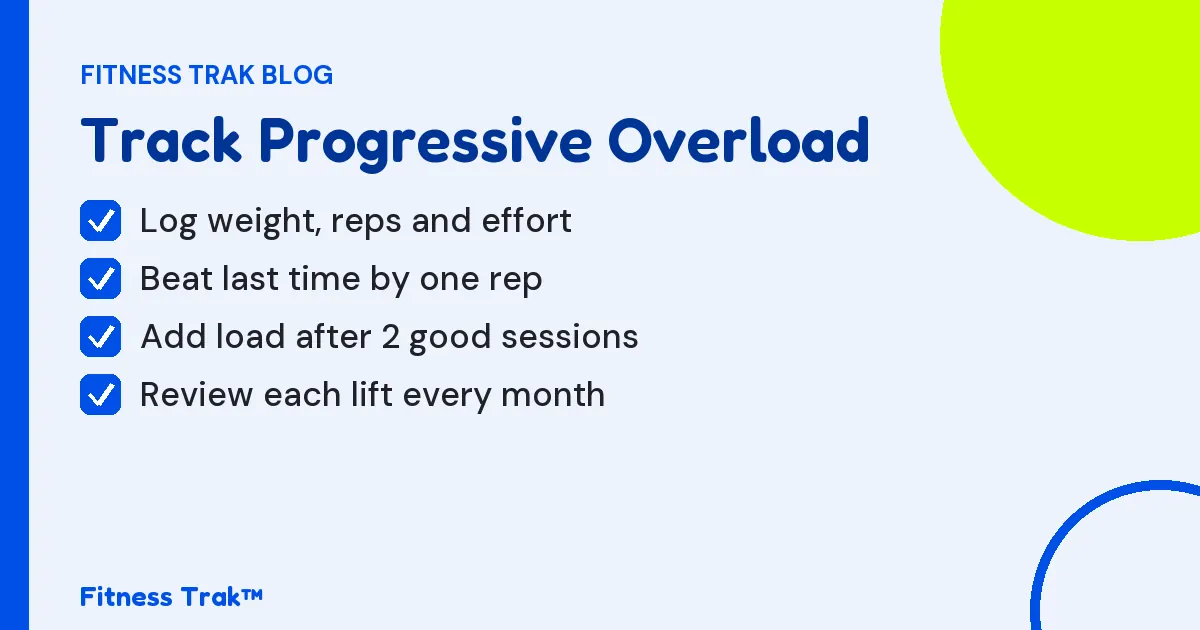
You walk up to the bench and the same question hits. What did I do last time? If you can't answer it, you can't beat it. Progressive overload only works when you know your starting point, and the only reliable starting point is a written record.
This guide covers what progressive overload means, the ways you can apply it, and a simple tracking routine you can start at your next workout.
What progressive overload means
Progressive overload means asking your body to do a little more over time. The American College of Sports Medicine (ACSM) names it as one of the core principles of resistance training, along with specificity and variation. If the work never gets harder, your body has little reason to keep adapting.
"More" can mean several things:
- More weight on the bar for the same reps.
- More reps with the same weight.
- More sets of an exercise across the week.
- Better quality reps, such as a fuller range of motion or a controlled tempo.
Most people focus on weight and reps because they are easy to count. That is also why tracking matters. A small change, like one extra rep, is invisible unless you wrote down the old number.
The rule ACSM gives for adding weight
ACSM's position stand on progression models gives a clear rule. When you train at a set rep target, it recommends a 2 to 10% increase in load once you can do the current weight for one to two reps over the target on two consecutive sessions. The smaller increase fits small muscle exercises, like curls. The larger one fits big lifts, like squats.
Here is what that looks like in practice. Say your plan is 3 sets of 8 on the squat at 135 pounds. On Monday you get 10, 9 and 9. On Thursday you get 10, 10 and 9. You beat the target by one to two reps in two sessions in a row, so you add weight. A 5% jump puts you near 140 pounds.
You can only apply this rule if you can see the last two sessions side by side. That is the whole case for a training log.
Steps
- Pick your main lifts. Choose three to six exercises you will repeat every week. Progress is easiest to see on lifts you do often.
- Set a rep target for each. Write it at the top of the page or in your routine, such as "3 x 8" for squats.
- Log every working set. Record the weight and the reps you actually did, not the reps you planned. Add how hard it felt if you track effort. Our guide on logging RPE and reps in reserve explains a simple scale.
- Look at last time before your first set. Your goal for today is to match or beat it by a rep or a few pounds.
- Add weight when you earn it. Use the ACSM rule. When you beat your target by one to two reps on two sessions in a row, add 2 to 10%.
- Review once a month. Look at each main lift over four weeks. If a lift has not moved, change one thing, such as rest time, sleep or the number of sets.
What to write down for each set
A useful log has a few fields and nothing extra. For each set, write:
- Exercise name
- Weight, with the unit (pounds or kilograms)
- Reps completed
- Set type, if it was a warm-up, a drop set or a set taken to failure
- Effort, as RPE or reps in reserve, if you use it
- A short note when something was off, like poor sleep or a sore wrist
Keep warm-up sets marked so they don't skew your numbers. A warm-up at 95 pounds is a different thing from a working set at 95 pounds. For a full template, see what to write in a workout log. To see the bigger picture across all your lifts, read how to track gym progress.
When weight stops going up
Every lifter stalls. The log shows you where and helps you pick a response.
- Reps are still rising. You are still progressing. Keep going until you hit the top of your range.
- Reps are flat for two or three weeks. Try a smaller jump in weight, or use the double progression method, which adds reps before weight. If several lifts stall at once, a planned lighter week can help, as covered in what a deload week is.
- Reps are dropping. Look at sleep, stress and recovery before blaming the program. Many lifters plan a lighter week every so often. Write those weeks down too, so the dip on the chart makes sense later.
Progress also slows as you get more experienced. ACSM's paper notes that people closer to their limit need more planned variation to keep improving. A beginner might add weight every week. A lifter with years of training might add a few pounds a month.
Paper, spreadsheet or app
Any method works if you use it every time.
- Paper is cheap and fast. It is also easy to lose, hard to search and slow to chart.
- A spreadsheet charts well, but typing on a phone between sets is clumsy.
- An app can put last time's numbers in front of you while you lift.
Fitness Trak is built for the third option. The next set is filled in from last time, so beating it is a tap on the steppers. Tap Set Done and the set saves at once and starts your rest timer. On iPhone, you can say "185 for 8, RPE 8" and the set is filled in for you to check and save. A PR tag shows when a set beats your best weight, reps, estimated one-rep max or volume, and each exercise has its own chart. See everything it tracks. Fitness Trak is coming soon to the App Store and Google Play.
Frequently asked questions
How often should I add weight to the bar?
Use a rule instead of a calendar. ACSM recommends a 2 to 10% load increase once you can do one to two reps over your target on two training sessions in a row. Beginners may meet that rule every week, while experienced lifters may meet it every few weeks.
Is adding reps a form of progressive overload?
Yes. Doing more reps with the same weight increases the work you do, which is one form of overload. Many programs add reps until you reach the top of a range and then add weight.
Should I log warm-up sets?
You can, but mark them as warm-ups. That keeps them out of your working numbers and your personal records, so your progress chart shows only the sets that count.
What if I train at home with limited weights?
You can still progress by adding reps, sets, or slower and more controlled reps with the weight you have. Logging matters even more here, because the changes are small and easy to forget.
Sources
- American College of Sports Medicine position stand. Progression models in resistance training for healthy adults (PubMed)
- CDC, Physical Activity Guidelines for Adults